Website planning
How to Test a Website Builder Before You Pay
A practical trial plan for comparing website builders with the same page, form, mobile checks, and handoff task.
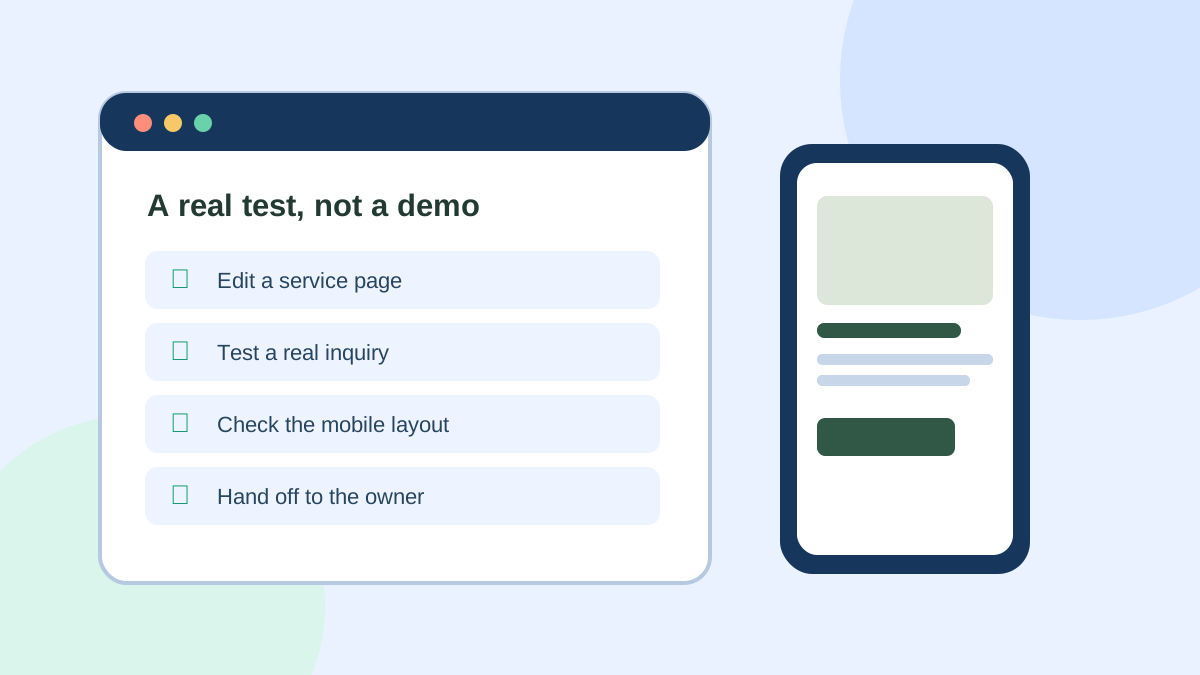
A builder demo can make almost any platform look easy. The more useful question is whether the person who will own the site can make an ordinary change on a busy Tuesday. A short trial should expose that reality before a subscription, migration, or agency contract makes switching harder.
This is an editorial testing framework, not a report of hands-on testing in every builder. Use it with your own content and keep a record of what happened. If a vendor changes its interface, the tasks remain useful even when the buttons move.
Start with one business scenario
Imagine a small home-repair company. It needs a page for emergency repairs, a service-area list, a form that reaches the right inbox, and a short guide answering a common customer question. The owner will change hours and service descriptions later. This scenario tests more than a generated homepage because it includes a real inquiry and a future update.
Write your own scenario on one page. Name the intended visitor, the primary action, the pages required at launch, and the person who will edit them. Keep the same brief for each product. If one trial uses polished sample content and another uses your rough draft, the comparison will be misleading.
Task 1: build one complete service page
Give the page a clear title, a short explanation of the service, the area served, a relevant photo you have permission to use, and one next action. Add a real contact route instead of a button that leads nowhere. Ask whether the editor makes it easy to revise a paragraph, move a section, and change a heading without disturbing the rest of the page.
Check the published URL and page title. Google’s SEO starter guide recommends descriptive URLs and helpful content organized for readers. A settings panel is less important than the result a visitor actually sees.
Task 2: test a real inquiry
Submit the form as a visitor would. Did it say what information was needed? Did the submission arrive? Did the visitor receive a clear confirmation or next step? Who can change the recipient when staff changes?
Do this on a phone as well as a desktop. The W3C form guidance explains why visible, associated labels matter for people using assistive technology and for people completing forms on small screens. If a form is difficult to complete, a beautiful page may still fail the business task.
Task 3: give the edit to the future owner
Ask the person who will maintain the site to update the service area, replace a photo, and publish a short news or advice post. Do not guide them through every click. Note where they hesitate, which settings are hard to find, and whether the draft can be reviewed before it goes live.
This handoff is especially revealing for a content-heavy site. A builder may offer a CMS, but the useful question is whether your specific content model works: author, category, image, call to action, and links to related pages. Our website builder buying guide helps turn these needs into a shortlist.
Task 4: inspect the mobile result
Open the actual published page on a narrow screen. Check navigation, text size, image cropping, button spacing, and whether the form can be completed without zooming or horizontal scrolling. Use the keyboard to reach links and form fields. Fixes that look small in a desktop editor can become expensive when repeated across templates.
Record what the trial revealed
Use a simple table rather than a vague score out of ten:
| Question | Your observation |
|---|---|
| Could the owner change the page alone? | Note the task and where help was needed |
| Did the inquiry reach the right place? | Save a test submission and its confirmation |
| Did the mobile page work? | Record the device width and any broken element |
| Which requirement needs a paid plan? | List the feature and the current plan |
| What happens if you leave? | Record domain ownership, export options, and redirects |
The last row matters because a site is an ongoing asset. Before paying, find out who owns the domain, whether content can be exported, and how you would preserve old URLs if you move later. Our migration checklist covers that process.
Make the decision
Choose the builder that passes the tasks that matter to your business and fits your ongoing budget. A platform that produces a more impressive demo but requires a specialist for every ordinary update may be the wrong choice for a small team. If neither finalist passes, revise the scope or budget instead of forcing a decision from a feature list.