AI builder comparison
Lovable vs Wix for a Small Business: Do You Need a Site or an App?
Compare Lovable and Wix by business task, editing workflow, bookings, data, security, cost, and ownership before choosing where to build.
The choice starts with the job
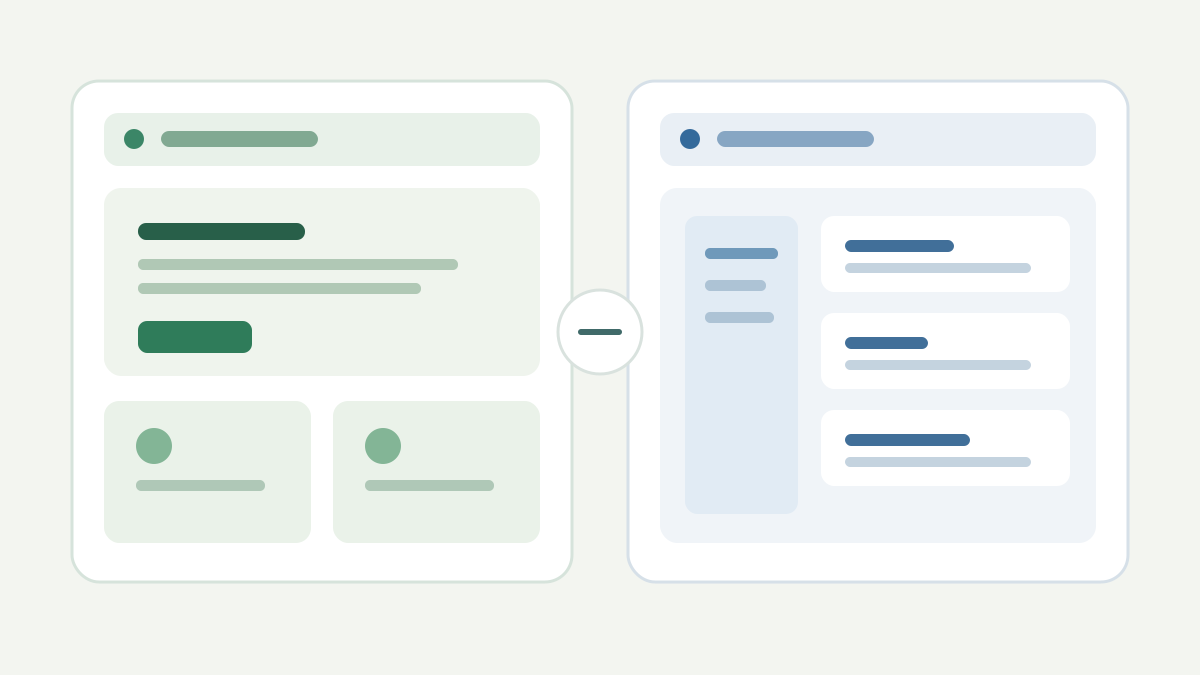
Lovable and Wix can both produce pages on the web, but they begin from different places. Lovable’s documentation describes generating applications from a written request, with editable code and backend options. Wix’s current AI site workflow starts with a business website and an editor. Wix also documents bookings, stores, and content tools.
This is an editorial comparison of published documentation, not a timed build test. We have not created identical sites in both products or measured load time, support, or conversion. Use the guide to decide which trial deserves your time.
| Your primary task | Start by testing | Why |
|---|---|---|
| Publish a service website and keep pages current | Wix | The site editor and business tools address the ongoing publishing job |
| Add appointment booking to a website | Wix | Bookings is a documented business workflow rather than a custom feature to specify |
| Replace a spreadsheet with a small private workflow app | Lovable | A tailored app can model your records, states, and team actions |
| Build a customer portal with unusual steps | Lovable, with a security review | Custom behavior may justify an app, but access rules need explicit testing |
| Launch a blog with routine editorial updates | Wix or another CMS-led builder | A predictable publishing workflow matters more than the first generated page |
These are starting points, not verdicts for every account or plan. Wix can support custom development, and Lovable can build marketing pages. The question is how much custom work your team wants to own.
Scenario one: a local service company
A repair company needs a homepage, service-area pages, a contact form, appointment booking, and occasional articles. The owner will update opening hours and photos. The team does not need a new database model or a custom login.
Start with Wix. Its Bookings documentation describes scheduling and payment flows, while the CMS overview covers structured content and dynamic pages. In a trial, have the owner change a service description, complete a booking on a phone, and find the booking in the dashboard. If any of those jobs are awkward, keep looking.
Lovable can create a booking interface, but then you must specify availability rules, cancellations, notifications, payment handling, and who can edit the schedule. Building these from scratch just to display a calendar is like buying a workshop because you need a shelf.
Scenario two: an internal request tracker
A small wholesaler handles custom quotes. Requests arrive by email, move through three review stages, and need a handoff between sales and operations. Existing website builders may have forms or automations, but the exact workflow is the heart of the job.
Here Lovable is a sensible candidate. Its managed backend includes database and authentication capabilities, and its Git sync offers a route for code review or external development. Start with a staff-only prototype and fictional requests. Define the status rules before asking for a dashboard. Our first-app checklist gives a concrete trial brief.
Wix may still be a good fit if its existing forms, automations, or business tools handle the process with less custom work. A short test in both products is more valuable than an abstract feature count.
Editing after launch
Ask who changes things on an ordinary Tuesday. In Wix, a nontechnical owner can evaluate the editor and dashboard directly. In Lovable, a change may begin as another prompt and result in code or data-model changes. That can be powerful; it also calls for version history, tests, and a person who understands the effect on existing users.
Run the same maintenance exercise in each finalist:
- Correct a service description or form label.
- Add a new business rule without breaking an existing one.
- Restore a previous version after a bad change.
- Export the content or records you would need to leave.
- Ask the future owner to do the next small update without the original builder beside them.
The fifth step is where many impressive demos become honest.
Costs and lock-in
Do not compare only subscription prices. For Wix, list the plan and any booking, store, domain, payment, and app requirements for your actual flow. For Lovable, list build and run credits, domain needs, backend usage, and the time required to test and maintain custom behavior. Both vendors change plans, so check current terms before buying.
Lovable’s documented Git sync gives you an editable codebase. That helps with code portability, but moving a live application may also involve its database, files, user accounts, secrets, and deployment setup. Wix has its own operational data and content export questions. Test the exit path that matters to your business instead of relying on a broad “you own your data” slogan.
Security and customer data
A public website form and a private client portal pose different risks. With Lovable, its security guide says to verify server-side authorization, protect secrets, and review row-level security on sensitive tables. Wix supplies packaged business workflows, but you still need to configure access, notices, retention, and permissions correctly for your use case.
Do not enter real customer data into either trial until you know where it goes, who can see it, and how to remove it. A trial with fictional customers is enough to learn whether the workflow fits.
Which should you choose?
Choose the path with the smallest amount of custom behavior you must maintain. If the work is publishing pages, taking bookings, or running a standard shop, begin with Wix and test the exact business journey. If the work is a distinctive internal process or customer-facing application, give Lovable a scoped pilot and a real security and cost review.
For more context, read our Lovable review or the broader website builder guide. Neither tool deserves a purchase because its first draft looks polished. The winner is the workflow your team can still operate six months later.