Website builder review
Dorik Review: AI Website Builder, Features, Limitations and Who It’s For
An editorial review of Dorik’s AI-assisted, no-code website-building workflow, its CMS and publishing tools, and the situations where another platform may fit better.
How we reviewed Dorik
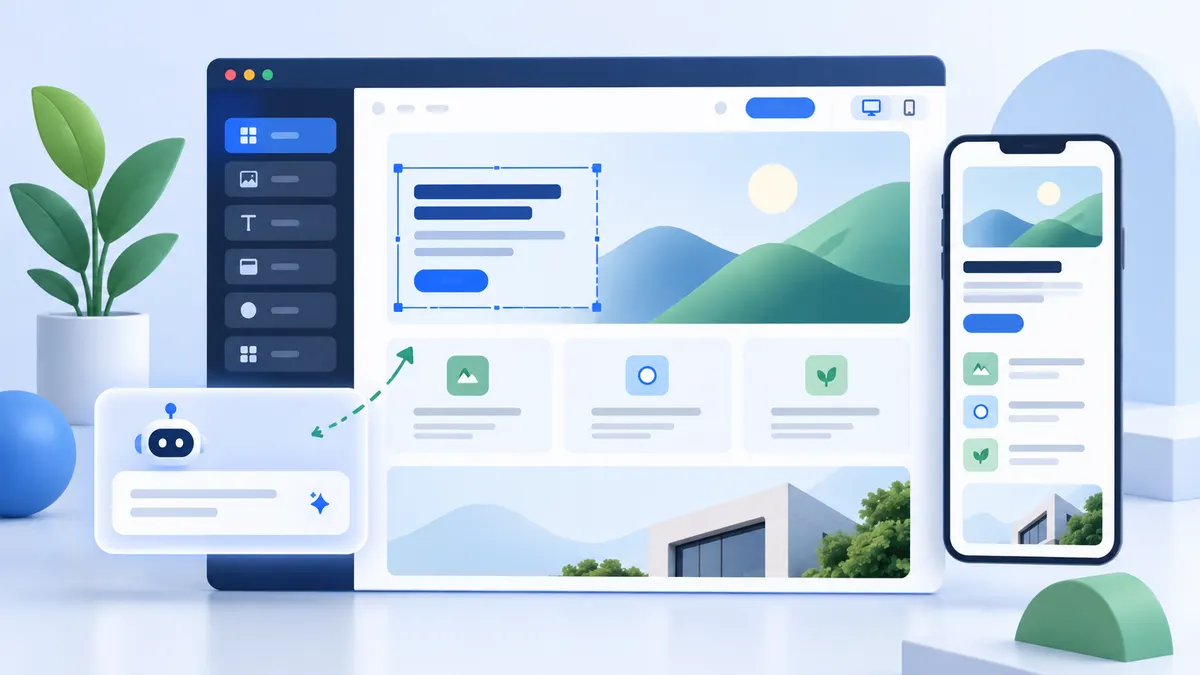
This is a desk review of Dorik’s published AI builder, feature overview, and blogging documentation, considered against a realistic small-business workflow. We did not create a paid account or measure load time, support response, conversion rates, or uptime. The illustration on this page is editorial artwork, not a screenshot of Dorik’s editor.
The test scenario is a small consultancy that needs a homepage, three service pages, a contact form, and an article section. The founder will own copy updates after a contractor builds the first version. That scenario makes editability and handoff more important than how quickly a demo appears.
Introduction
Dorik is a website builder aimed at people who want to move from an idea to an editable site without starting with code. Its current product materials describe a prompt-led AI starting point alongside a visual editor, templates, CMS, blogging, hosting, and publishing tools. That combination can be useful when a small team needs a practical website workflow rather than a collection of separate services.
This review is about fit, not a universal winner. A generated first draft still needs accurate copy, accessible structure, images you are licensed to use, and a careful review before publishing.
Quick overview
| Consideration | Editorial take |
|---|---|
| Category | AI-assisted, no-code website builder |
| Best-fit use cases | Service sites, portfolios, content sites, directories, and client websites |
| Coding requirement | Not required for a basic visual workflow; custom code may matter for advanced needs |
| CMS availability | Dorik documents custom collections and dynamic templates |
| AI functionality | Prompt-led site, copy, and image-generation starting points that remain editable |
| Intended audience | Freelancers, creators, small businesses, and agencies evaluating a no-code workflow |
What is Dorik?
Dorik combines visual site construction with publishing infrastructure. Its feature documentation describes a WYSIWYG editor, responsive controls, a CMS, blogs, custom domains, hosting, forms, analytics integrations, and SEO settings. In practice, that makes it worth evaluating when the person maintaining the site also needs to update pages and content after launch.
The relevant question is not whether a builder can create a homepage. It is whether the editor, content model, and handoff process match how your business will operate six months later.
Dorik AI website builder
Dorik says its AI workflow can create a multi-page draft from a business description, including draft layout, copy, and images, then open that result in the visual editor. Treat that output as a starting brief: confirm claims, replace generic imagery, check mobile layouts, and make calls to action specific to the business. AI can reduce blank-page friction, but it cannot supply a business’s positioning or evidence.
For the consultancy in our scenario, a useful prompt would name its services, target customer, service area, required pages, and desired contact action. The first review should then ask whether each page accurately explains a real service. A page that looks complete but invents credentials, testimonials, or guarantees should be rewritten before publication. Dorik’s documentation supports editing generated elements; it does not establish that any generated draft is factually ready to publish.
Visual editor, CMS, and blogging
The visual editor is most useful when a team expects routine page changes without developer involvement. The CMS adds another layer for repeatable content such as articles, listings, locations, or case studies. Dorik’s blogging documentation also describes a rich-text workflow, drafts, scheduling, categories, authors, and RSS—details that matter more to a content site than a one-page launch.
For agencies, the deciding factor is often whether the content model is simple enough for a client handoff. For a directory or content-heavy site, test a representative collection and template before committing a full migration.
In the consultancy example, the founder should be able to publish a new article and update a service page without touching the original design. In a trial, create one article with a heading, image, author, category, and internal link. Then have the founder edit it. This exposes friction that a homepage demo misses: content permissions, formatting, image handling, and consistency across templates.
SEO, hosting, domains, forms, and integrations
Dorik documents per-page titles and descriptions, sitemap and redirect management, custom schema, and robots controls. These controls can support sound technical SEO, but they do not guarantee rankings; content quality, relevance, crawling, and competition still matter. Its product information also describes custom-domain connection, managed hosting, forms, and integrations with email and automation services. Confirm the settings and plan limits that apply to your intended setup before launch.
For a lead-generation site, a form is part of the product decision. Submit a test inquiry, check the confirmation shown to the visitor, verify where the message arrives, and decide who handles spam and follow-up. For SEO, inspect one published service page: its title, description, canonical address, mobile layout, and internal links. A settings menu is only useful if the published page is correct.
Where the workflow can become expensive
Dorik combines several jobs in one interface, but the total cost depends on the plan and on external services. Make a list of required sites, custom domains, collaborators, CMS items, forms, integrations, and any client handoff needs. Check each requirement against the current Dorik plans before assuming it is included. If a business needs complex checkout, advanced membership logic, or a custom application, validate that exact process in a trial rather than treating a general integration label as proof of fit.
Who Dorik may be a good fit for
- Freelancers who need a presentable, editable service or portfolio site.
- Small businesses that want a straightforward site, lead capture, and room to publish content.
- Agencies exploring CMS, collaboration, and branded client workflows.
- Creators who prefer a visual workflow over maintaining a codebase.
Who may prefer another platform
Consider a different platform when your business needs a very specific commerce stack, a deep plugin ecosystem, a developer-owned application architecture, or an especially design-led canvas workflow. Compare the practical alternatives in Dorik vs Wix and Dorik vs Framer instead of assuming one tool fits every project.
Strengths and limitations
Strengths: a combined AI, visual editing, CMS, and publishing workflow; an approachable path for non-coders; and features that can support agency or content use cases.
Limitations: generated content needs human review; a visual builder may not replace a custom application stack; and plan-specific capabilities, integrations, and workflow details should be tested against your actual requirements.
The strongest reason to shortlist Dorik is the path from draft to editable site and then to ongoing CMS content. The biggest uncertainty in this desk review is how comfortably a particular team can operate that path. We cannot score the editor’s speed, support quality, or reliability without a consistent hands-on test.
Pricing considerations
Pricing and plan limits change. Review current inclusions, domain allowance, collaborator needs, CMS usage, and custom-code requirements before making a decision.
Compare total annual cost, not just the first payment. Add any paid email, booking, analytics, or automation service the site needs. Ask who owns the domain and site access if a contractor or agency sets up the account.
Final considerations
Dorik may be worth considering if you want AI to accelerate a no-code website starting point while retaining a visual editor and CMS for ongoing work. Use a small pilot site to test editing, publishing, forms, and content maintenance before committing a larger project.
Our verdict for the consultancy scenario: shortlist Dorik if the founder can complete the article and service-page edits independently in a trial. If the team depends on a specialized booking or commerce flow, compare a platform built around that workflow. If highly controlled visual design is the priority, also test Framer. The decision should follow the owner’s real editing task, not a feature count.
FAQ
Can an AI-generated Dorik site be edited?
Dorik states that generated sites open in its visual editor, where layout, text, images, and sections can be refined. That editability is important, but review every generated detail before publishing.
Does Dorik guarantee Google rankings?
No. SEO controls help with implementation, but no website builder can guarantee rankings.
Is Dorik only for landing pages?
No. Dorik documents CMS and blogging capabilities as well. Whether those are sufficient depends on the complexity of your content model and workflow.